
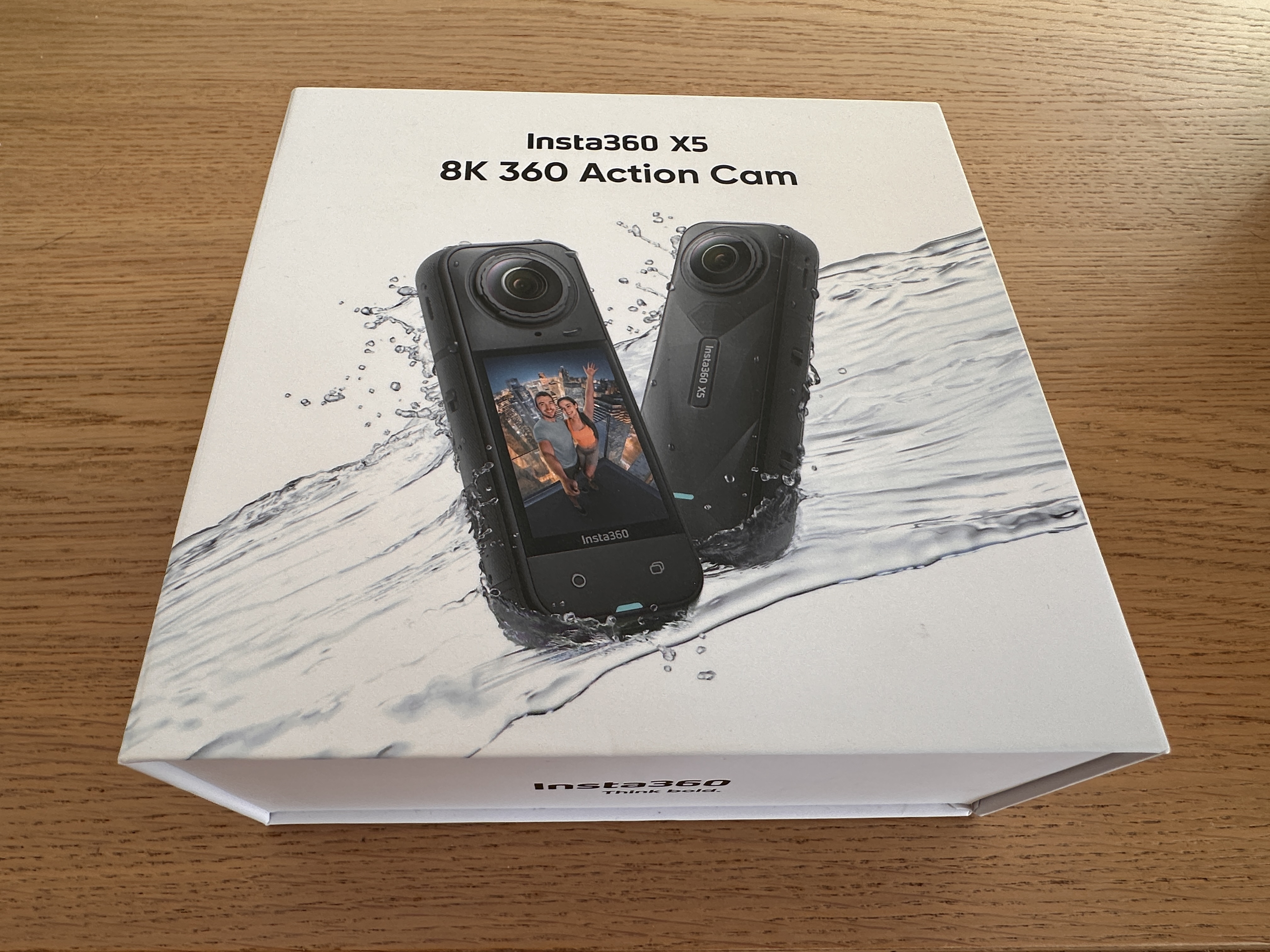
It seemed like my perfect camera. The Insta360 X5 would let me film the world around me on my cycling adventures, rather than just the road ahead. After my ride, I could decide which angle gave the best views.

I first used it on London Wales London, a 400km audax ride, in May 2025. Unfortunately, I’d inadvertently set the X5 to record timelapse, which meant I couldn’t use the footage. The following month I had more success on the longer Bryan Chapman event, and was pleased with the video that came out of the Insta360 X5. Even if it made me look as thin as a stick insect…
The big downside was the amount of extra work needed to make the most of the video captured by a 360 camera. I’ve been editing videos from camcorders, GoPro cameras and smartphones for over 20 years. I’m comfortable selecting the right bit of a clip, cropping, adjusting audio and much more. But I hadn’t appreciated how much extra work would be needed to edit Insta360 material.
This is all about ‘reframing’. First, you have to decide the best viewing angle from the ‘surround vision’ video captured by the camera. So far, so easy. But that’s just the beginning. You also need to convert spherical (fisheye) footage into more natural flat format. To address all this, you need to adjust the view in a software app (I used Insta360 Studio on my Mac), adding new keyframes to maintain the right aspect as your clip plays. Then, when you’re happy with the result, you can export or share the resulting masterpiece. In my case, I exported it to iMovie or Final Cut Pro to complete the edit.
I was planning to film the London Edinburgh London 2025 cycling event on the Insta360 X5 but realised that the amount of work involved in editing four days of footage from this event would be enormous. I used my GoPro Hero 13 instead. The resulting film may have been more conventional, but I got it finished within days.
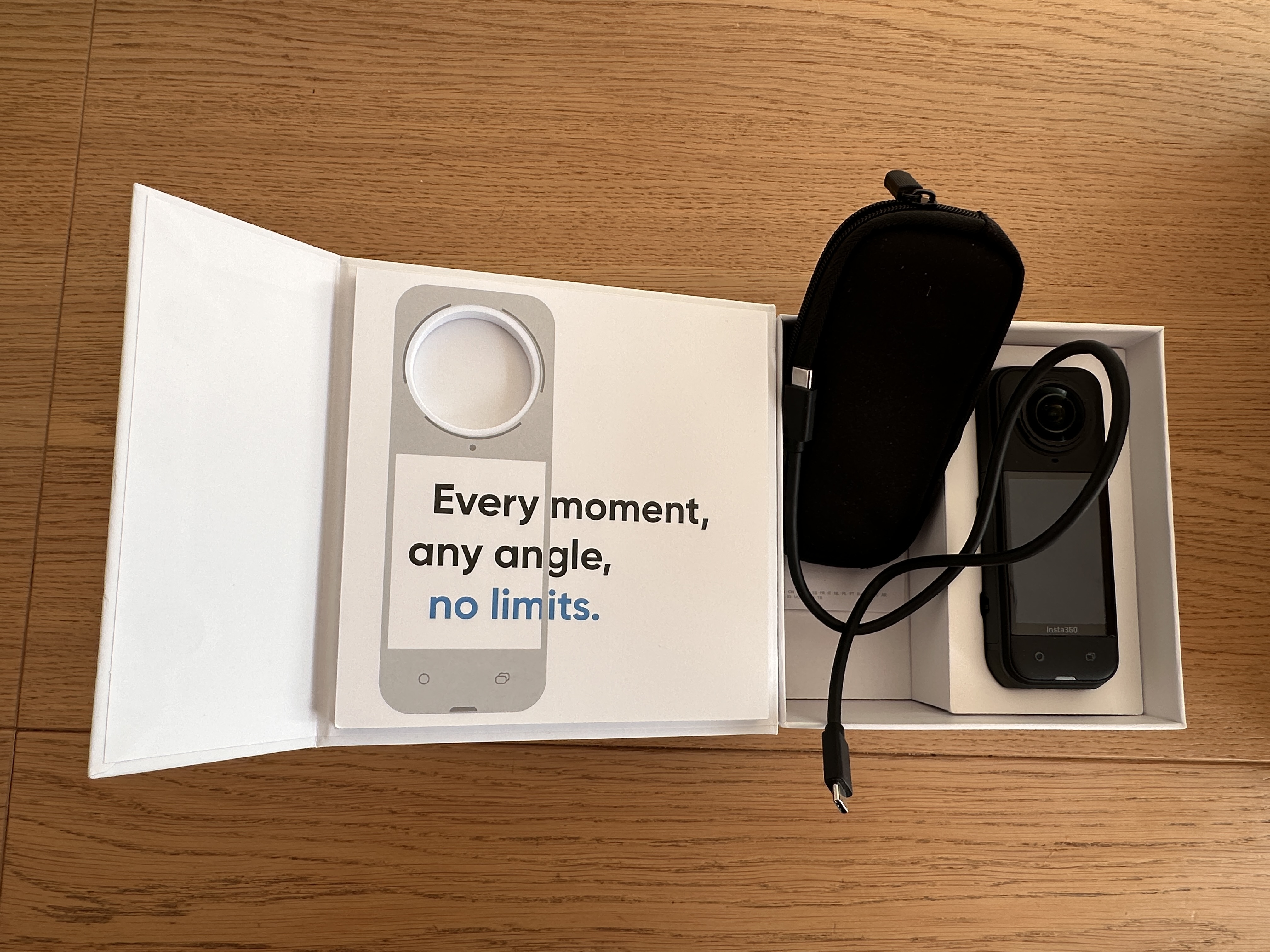
A year on, I’ve decided to sell the X5, having barely used it on holiday in Australia, using my GoPro Mission 1 Pro and Canon EOS R6 Mark III instead.
Insta360 fans will say I’ve given up too easily. There are many YouTube videos showing how to edit Insta360 footage. (I particularly like those by Ben Claremont, especially as they featured Sydney, one of my favourite cities.) Perhaps in time I’d have got quicker. But I spend long enough editing my videos, especially daily films from my cycling adventures.
The X5 is a brilliant camera. Video quality is excellent and I was surprised how well it caught audio – much better than my GoPro Hero 13. The way the X5 makes the selfie stick disappear in the recorded video is magical, although the user’s outstretched hand remains awkwardly in shot. I was never completely comfortable using the bike mount, with the camera bouncing on the selfie stick in front of me.
I might be tempted to try a 360 camera again in future. It’s easy to imagine Artificial Intelligence (AI) simplifying the rigmarole of editing 360 video. But for now, I’m sticking to the superb GoPro Mission 1 Pro for my action shots. Oh, and I’ve found the Insta360 2-in-1 invisible selfie stick and tripod ideal for GoPro timelapses!
One last thought. It’s never been easier to capture everyday life and adventures in video and photos. I’m astounded by the advances in smartphone, 360 and action cameras in recent years. (Not to mention camera drones.) My first GoPro, the 2013 Hero 3 Silver, was fun but its action videos desperately needed the image stabilisation that came a few years later. And with the Mission 1, GoPro has finally produced a camera that works in low light – check out my timelapse below of sunrise in Sydney, New South Wales, in July 2026.


Leave a Reply